

Overview
The Reporting Calendar (also referred to as the Reports Log) is your central hub for managing every report your organisation needs to produce. Whether it is a regulatory return, board report, or internal management information pack, this page lets you track ownership, deadlines, governance sign-off, and approval workflows in one place.How to use it
Viewing reports
The log displays all scheduled and ad-hoc reports in a detailed table: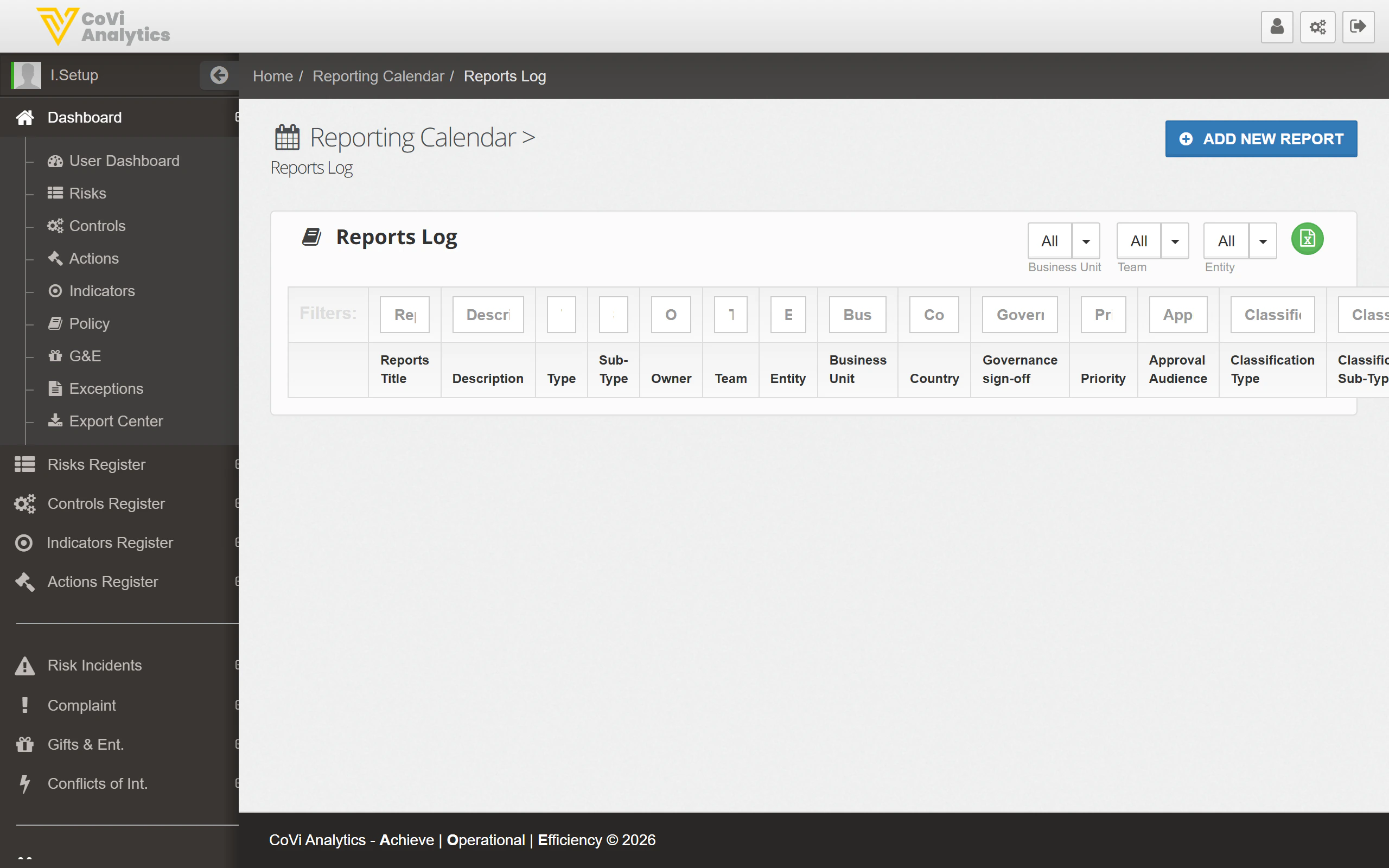
- Reports Title — The name of the report.
- Description — A brief summary of the report’s purpose or content.
- Type — The high-level report category (e.g. Regulatory, Internal, Board).
- Sub-Type — A more specific classification within the type.
- Owner — The person responsible for producing the report.
- Team — The team assigned to the report.
- Entity — The legal entity the report covers.
- Business Unit — The business unit responsible.
- Country — The jurisdiction the report relates to.
- Governance sign-off — Indicates whether the report requires formal governance approval.
- Priority — The urgency or importance level of the report.
- Approval Audience — Who needs to review and approve the report before submission.
- Classification Type / Sub-Type — Additional classification fields for internal taxonomy.
Filtering and searching
Use the Business Unit, Team, and Entity dropdowns at the top of the page to focus on reports relevant to your area. The filter row beneath the column headers allows column-level filtering, which is especially useful given the number of columns in this view.Adding a new report
Click the green ADD NEW REPORT button to create a new report entry. You will be prompted to fill in the report details, assign ownership, and set the governance and approval requirements.Pagination
Navigate through the report list using the pagination controls at the bottom of the table.Tips & Tricks
Report types and sub-types are configurable by your administrator. If you need a new report classification, request the change through Configuration under the Reporting tab.